
ÉCRIN on your TV
Apple TV becomes a screen for the house: scenes from the remote, cameras in full-motion video, the villa’s energy on the big screen.
And on an urgent or critical alert, if you have chosen this for that screen, the TV switches itself on to show the alert.
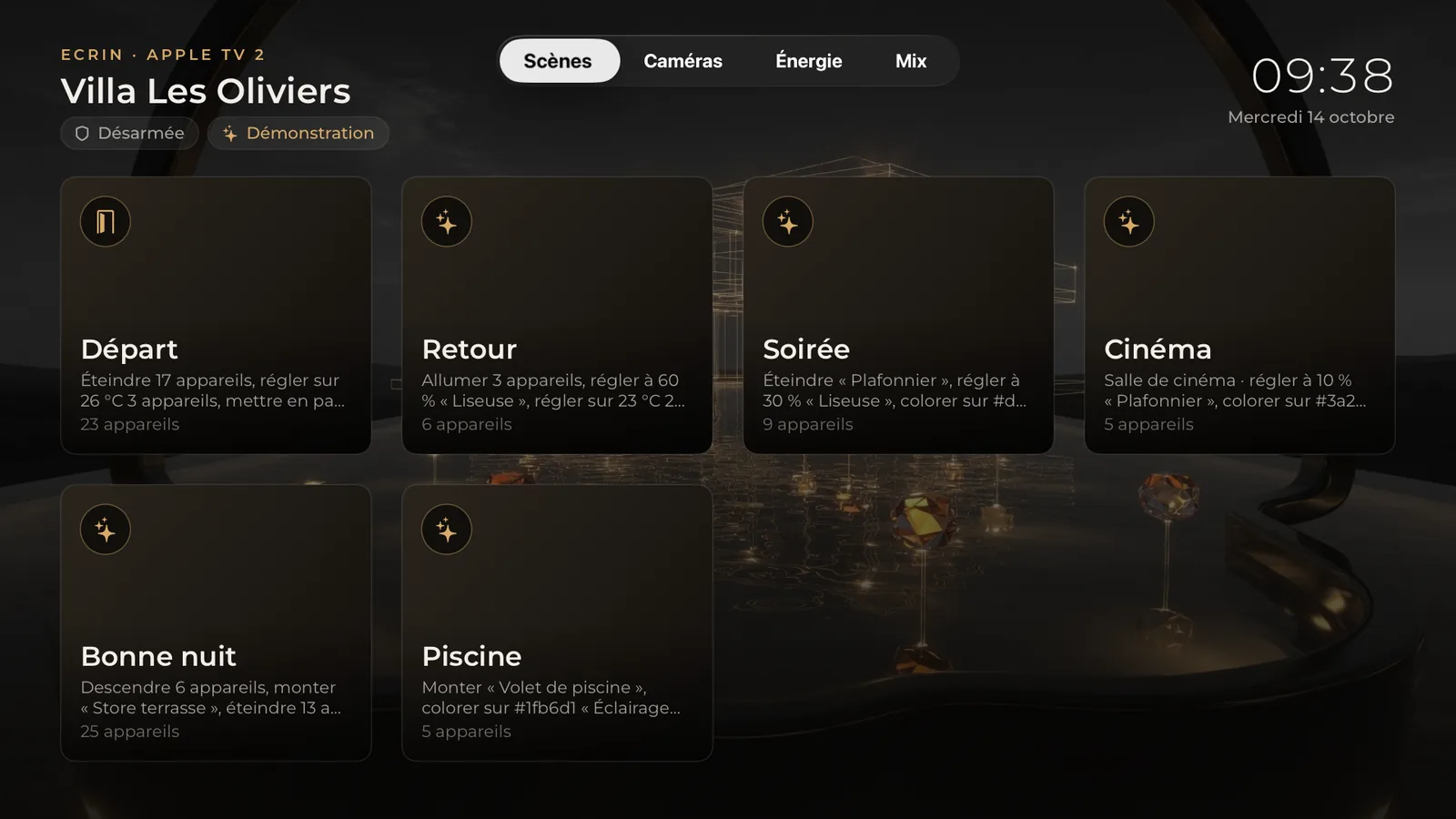
Four ways to watch
Scenes, Cameras, Energy or Mix: each Apple TV has its own, chosen in the app or with the remote. The most recent choice wins.
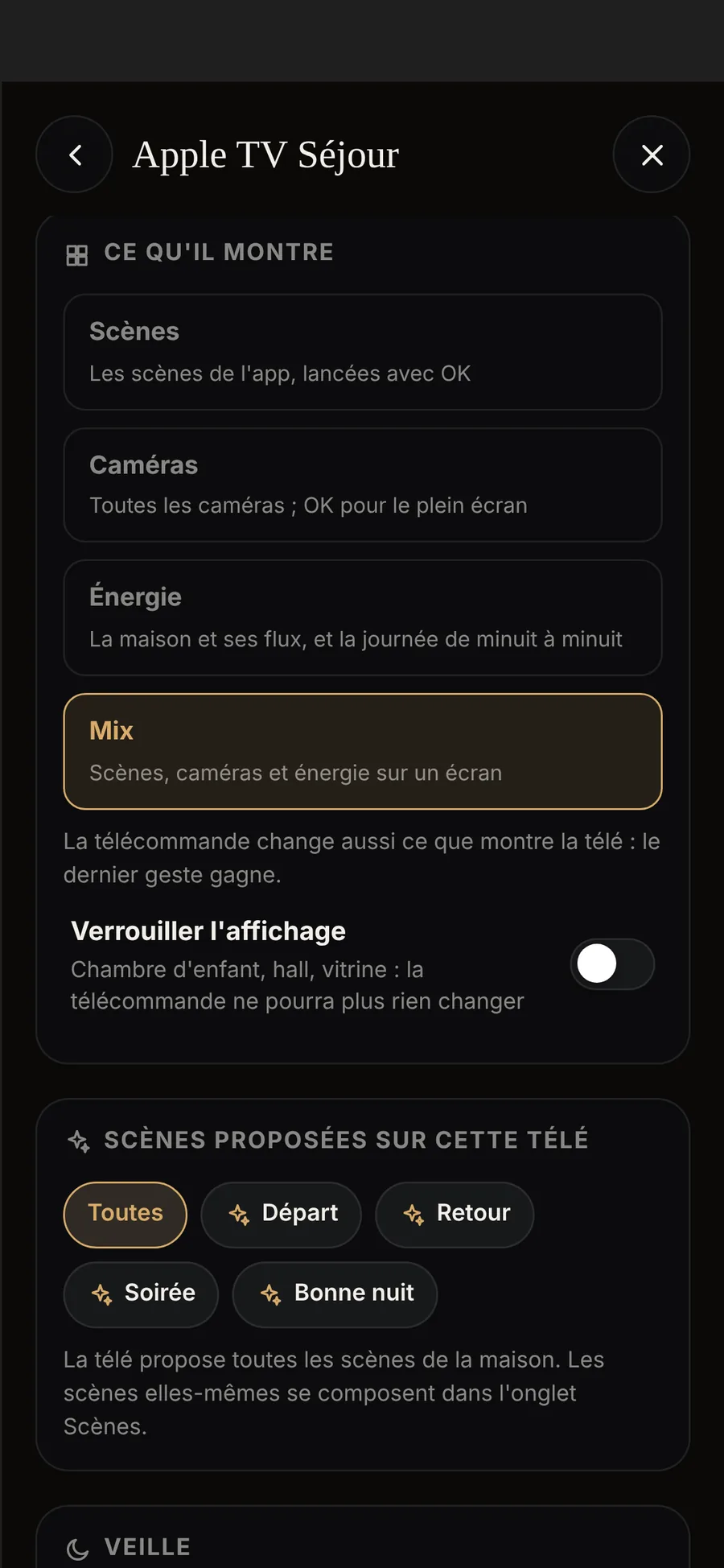
An alert, and the TV switches on
Someone at the gate, a water leak: on an urgent or critical alert, the Écrin switches on the Apple TV and ÉCRIN HOME opens to show the alert. An urgent alert from a camera shows that camera live, in a large view.
- Screen by screenWake-up is set TV by TV: yes in the living room, no in the children’s bedroom.
- Critical, urgent, infoCritical: until OK is pressed. Urgent: one minute, with the camera. Info: twelve seconds, and it never wakes the screen.
- Standby on your scheduleA black screen at the times you choose. A critical alert wakes it.
The TV switches on with the Apple TV if it accepts HDMI-CEC wake-up (Anynet+ on Samsung), a TV setting that your installer checks.
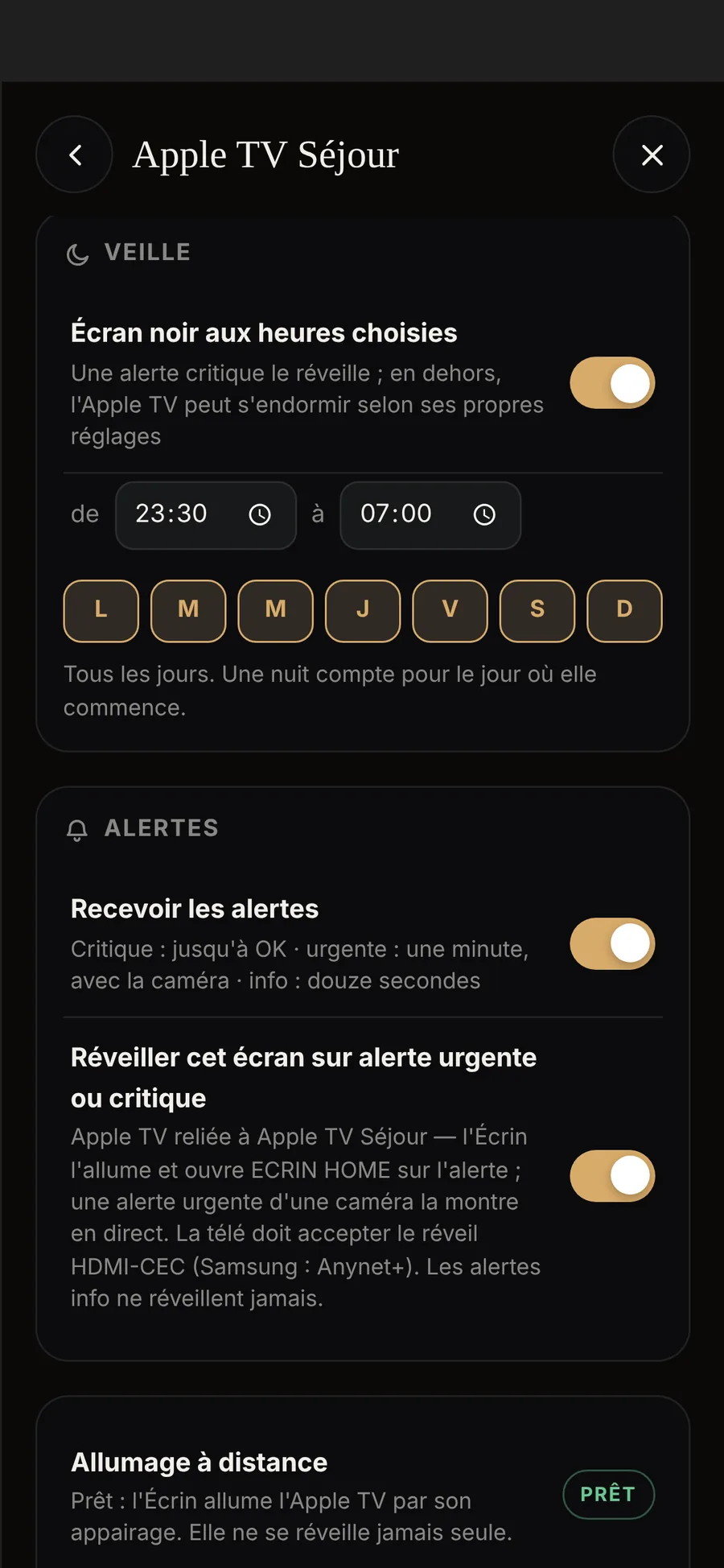
ÉCRIN HOME on Apple TV
Install ÉCRIN HOME from the Apple TV App Store and sign in with your ÉCRIN account. It takes its settings from the app on your iPhone: what it shows, standby, alerts.
- Energy on the big screenThe villa and its current flows, and the day from midnight to midnight.
- A single appThe same ÉCRIN HOME on iPhone, iPad, Apple Watch and Apple TV.
- Without Apple TVA screen connected to the Écrin displays the home’s wall view.

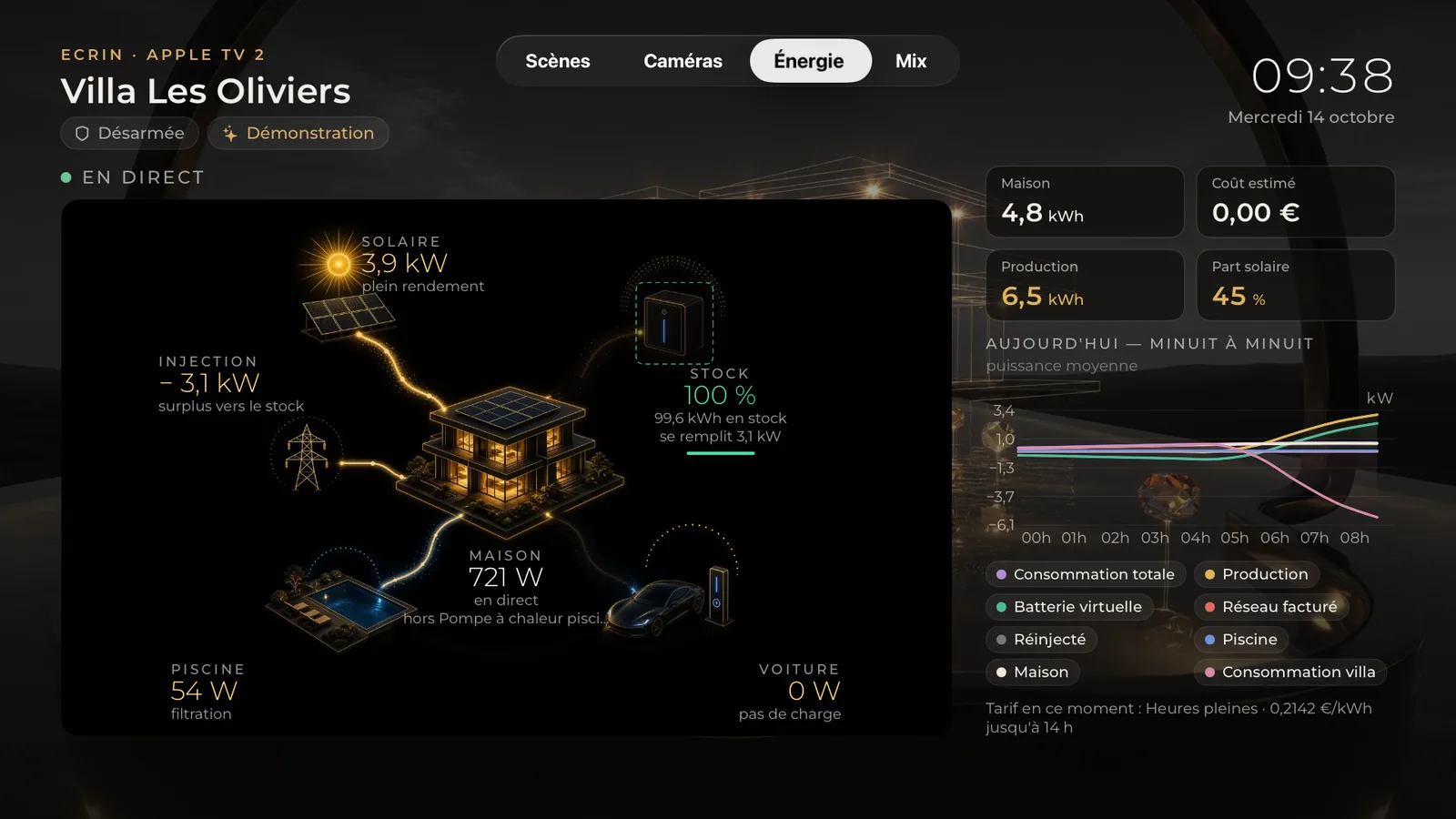
Your home, on your TV
See it on a real Apple TV, in Sainte-Maxime or in your own home.